
Coolmay PLC and HMI selection
An operator screen can look right and still have the wrong I/O for the machine. Start the selection with the field signals, operator actions and existing program, then match the Coolmay panel and controller.
Typical supply is 1–2 weeks. Allow 2–4 weeks for enclosures and large flow meters. ProSense engineers assist with model selection. Sales confirms availability and logistics emails the order ETA.
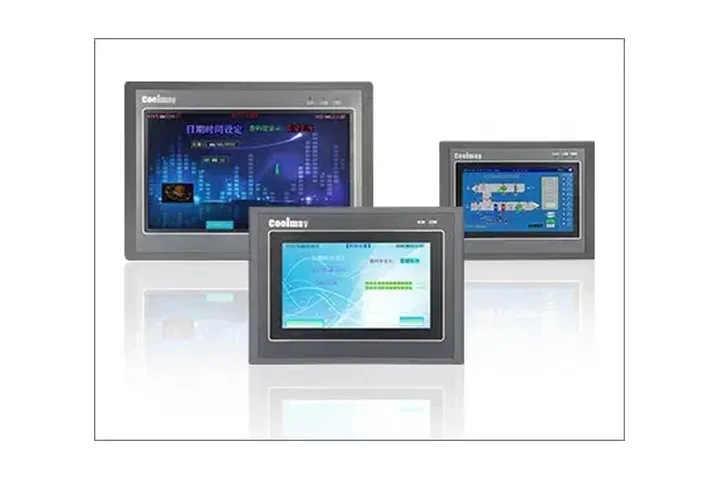
Choosing equipment
- Controller and screen
- For an EX3G integrated PLC and HMI, check the display size, panel cut-out, supply, digital I/O count and output type. Separate analogue channels and other optional interfaces on the equipment schedule.
- Signals and software
- Describe what each input means and what the corresponding screen or output should do. For a retrofit, identify who holds the program backup, register map and screen files. A reporting connection also needs tag names, units and an agreed update rate.
- A separate motor drive
- The CM540 has its own drive manual. If the panel also controls a motor, record the drive code and motor duty as a separate line item. Identify which commands and status signals the PLC must exchange with it.
Manufacturer documents
Coolmay EX3G
Use the EX3G programming reference to review controller registers and communications for an existing panel. Coolmay Argentina hosts this copy.
Coolmay CM540
For a CM540 enquiry, match the nameplate and duty to the drive ratings and interfaces. Coolmay Argentina hosts this copy.