
Connecting a PLC to ProSight
Map a supported PLC or gateway interface to ProSight tags, trends, alarms and operator roles.
ProSight gives operators a way to see what their field equipment is doing across rooms, plants and remote sites. Start with the decision a user needs to make, then work back to the signal, update rate and data path.
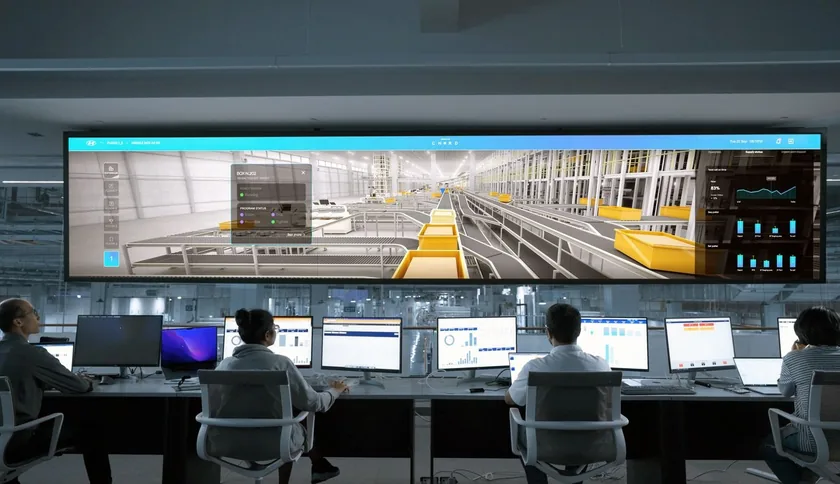
Choose one measurement for the integration test. Record its asset tag, engineering units and timestamp at the source. In ProSight, find the same point on a trend and identify who needs to see or acknowledge its alarm. The device directory and pump-station walkthrough show how to scope that path.
| Software requirement | What to define | What to test |
|---|---|---|
| Connect field data | Identify the device, PLC or gateway, the signal list and who owns the network. Review Modbus, OPC UA or MQTT options against the exact interface. | Check units, timestamps, update intervals and the behaviour of stale or missing readings. |
| Dashboards and trends | Group tags by asset, building or site. Choose the views needed by an operator, maintenance lead and national manager. | Follow one field reading into the dashboard and history, and check access for each user role. |
| Alarms and authorised commands | Agree alarm thresholds, delays, recipients and acknowledgement. Specify any commands separately with the site control owner. | Witness alarm routing and recovery. Verify command permissions, site interlocks and feedback for each agreed control function. |
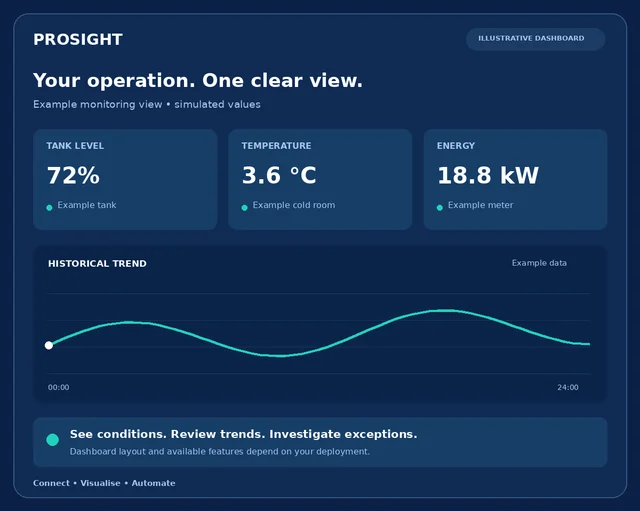
A national facilities manager may need exceptions across all sites. A technician needs the asset tag, last valid reading and trend leading up to the event. Specify both views against the same point list so teams can follow the same alarm to its source.
Explore ProSight’s multi-site offeringSend your equipment schedule, site locations or monitoring brief. We’ll direct it to the team responsible for your application.