
Map the sensing points
On the room plan, label each point with the room, rack, side and height. Keep inlet, exhaust and general room readings distinct when comparing conditions.
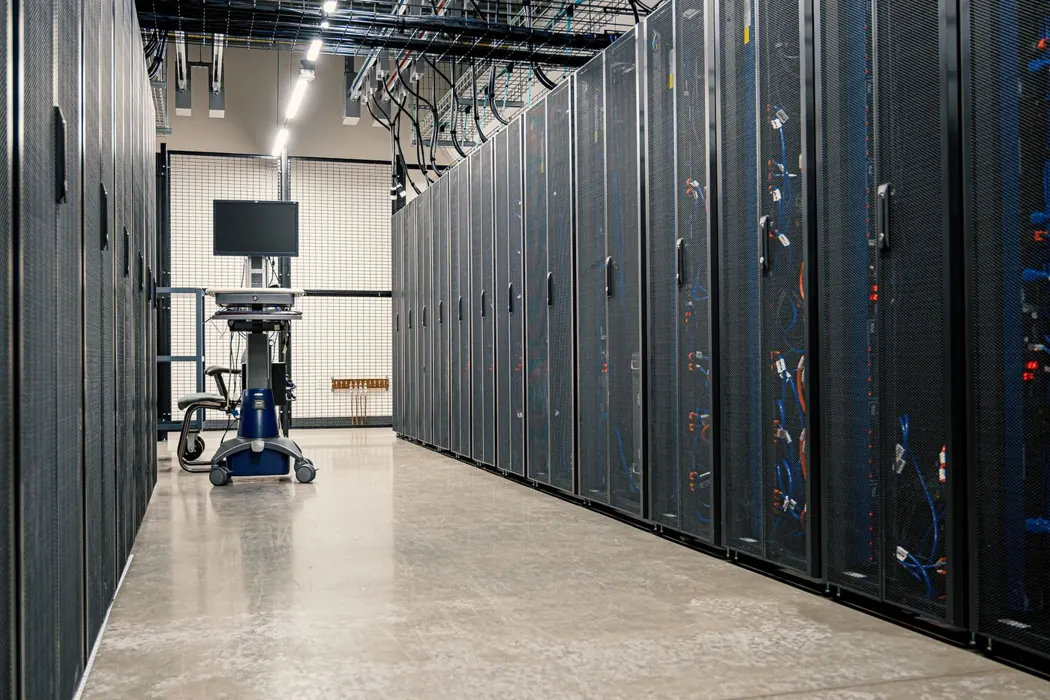
A wall sensor can give a reasonable room reading while one rack inlet runs warmer. Mark where the equipment takes in air, which cooling zone serves it and who will investigate a change after hours.
Does the facilities team need a room trend, a warning at an individual rack, or evidence for investigating a cooling fault?
On the room plan, label each point with the room, rack, side and height. Keep inlet, exhaust and general room readings distinct when comparing conditions.
Inventory existing building-management points, spare inputs and access for new sensors. For wireless equipment, check the proposed gateway location and reception with rack doors in their normal positions.
Agree the warning threshold and delay with the equipment owner. Show the measured point, last update and nearby readings. Route a missing reading separately so an old value cannot be mistaken for current room conditions.
The wired probe and the wireless kit are two ways to instrument a room. Confirm the chosen sensor, gateway and software interface together.
Check the Ethernet power requirements and probe options when planning a wired temperature point at a server rack.
Send your equipment schedule, site locations or monitoring brief. We’ll direct it to the team responsible for your application.